
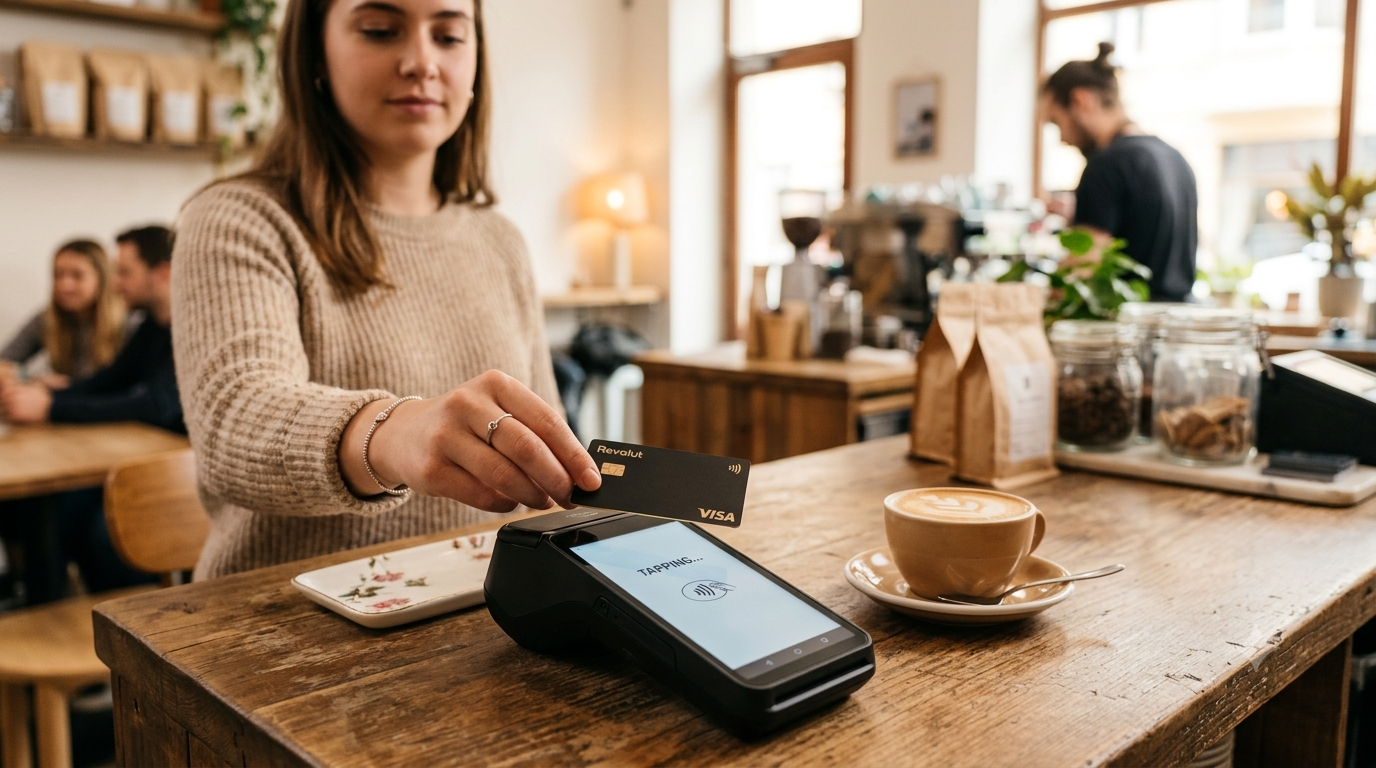
Every time a customer taps, inserts, swipes, or enters their credit card, an incredible amount of technology works behind the scenes in just a few seconds.
Most business owners know they need to accept credit cards, but very few understand what actually happens after a customer pays. That lack of understanding often leads to confusion about merchant statements, processing fees, and choosing the right payment provider.
At JadaPay, we believe business owners should understand exactly how they get paid. Once you understand the process, you’ll be in a much better position to reduce fees, improve cash flow, and choose the right payment solution for your business.
Let’s break it down step by step.
The Five Steps of Payment Processing
Although the process happens in only a few seconds, there are several organizations involved in every card transaction.
Step 1: The Customer Pays
Everything begins when a customer chooses to pay using a credit card, debit card, mobile wallet, or contactless payment.
The payment may be accepted by:
- Credit card terminal
- Point-of-sale (POS) system
- Mobile card reader
- Virtual terminal
- Online checkout
- Mobile app
- Invoice payment link
Regardless of how the payment is made, the process is very similar.
Step 2: The Payment Information Is Encrypted
Before any information leaves your business, it is encrypted to help protect sensitive cardholder data.
Modern payment terminals use technologies such as:
- EMV chip security
- End-to-end encryption
- Tokenization
- PCI DSS security standards
These security measures help reduce fraud and protect both your business and your customers.
Step 3: Authorization
Your payment processor sends the transaction through the appropriate card network.
For example:
Customer Card
↓
Visa
↓
Customer’s Bank
The issuing bank checks several things:
- Is the card active?
- Is there enough available credit or funds?
- Has the card been reported stolen?
- Does the transaction appear legitimate?
Within just a few seconds, the bank sends one of two responses:
✅ Approved
or
❌ Declined
Step 4: The Transaction Is Approved
Once approved, your customer receives a receipt, and your POS system records the sale.
However…
At this point, you haven’t actually received the money yet.
The transaction has only been authorized.
The funds still need to be settled.
Step 5: Settlement
At the end of the business day (or multiple times throughout the day, depending on your setup), your payment terminal sends all approved transactions in a batch.
The processor then begins transferring the funds through the banking system.
Most businesses receive deposits within:
- Same day (where available)
- Next business day
- Two business days
Deposit timing depends on your processor, bank, transaction types, and funding schedule.
Who Is Involved in Every Transaction?
Many business owners think there are only two parties involved:
- The customer
- Their business
In reality, several organizations work together to complete a payment.
The Customer
The person making the purchase.
Your Business
The merchant accepting payment.
Payment Processor
The payment processor securely routes transaction information between all parties involved and helps facilitate authorization and settlement.
Processors also provide services such as:
- Fraud tools
- Reporting
- Customer support
- Payment hardware
- Software integrations
Card Network
Examples include:
- Visa
- Mastercard
- Discover
- American Express
The card network provides the infrastructure that connects banks and processors.
Issuing Bank
This is the bank that issued the customer’s card.
Examples include:
- Chase
- Bank of America
- Wells Fargo
- Capital One
- Credit unions
The issuing bank decides whether to approve or decline the transaction.
Acquiring Bank
The acquiring bank (sometimes called the merchant bank) works with your payment processor to help move funds into your business account.
Why Do Businesses Pay Processing Fees?
One of the biggest misconceptions is that payment processors keep all of the fees.
They don’t.
Processing costs are generally divided into three categories.
Interchange Fees
These are paid to the bank that issued the customer’s card.
Interchange rates are established by the card networks and vary based on factors such as:
- Card type
- Industry
- Transaction method
- Rewards program
- Business category
Card Brand Assessments
These are fees charged by the card networks for using their payment systems.
Processor Fees
Your payment processor charges for providing services such as:
- Customer support
- Equipment
- Reporting
- Security
- Payment gateway
- Software
- Account management
Different processors use different pricing models, which is why businesses with similar sales volumes can end up paying very different amounts.
What Can Increase Your Processing Costs?
Several factors can affect what your business pays.
These include:
- Keyed-in transactions
- Rewards credit cards
- Business credit cards
- Corporate purchasing cards
- Online transactions
- High-risk industries
- Chargebacks
- Fraud
- Older equipment
- Inefficient pricing models
Understanding these factors can help you identify opportunities to lower costs.
Common Types of Payment Processing
Today’s businesses often accept payments in more than one way.
In-Store Payments
Chip, tap, and swipe transactions using a payment terminal or POS system.
Online Payments
Customers complete purchases through your website or eCommerce platform.
Mobile Payments
Businesses accept payments using smartphones or mobile card readers.
Virtual Terminal
Ideal for businesses that accept payments over the phone or by invoice.
Recurring Billing
Perfect for:
- Memberships
- Subscriptions
- Service contracts
- Monthly retainers
Choosing the Right Payment Processor
When evaluating payment providers, don’t focus only on the advertised rate.
Look for a provider that offers:
- Transparent pricing
- Responsive customer support
- Modern payment technology
- Fast funding
- Secure processing
- Software integrations
- Industry expertise
- Scalable solutions
The right payment partner should help your business grow—not just process transactions.
How JadaPay Makes Payment Processing Simple
At JadaPay, we believe payment processing shouldn’t be confusing.
Whether you operate a restaurant, retail store, contractor business, medical office, nonprofit, or professional service firm, we help you choose a payment solution that fits the way you do business.
Our services include:
- Credit card processing
- Point-of-sale systems
- Mobile payments
- Virtual terminals
- eCommerce solutions
- True Zero Pricing programs
- Traditional pricing options
- Business funding solutions
- Local customer support
Our goal is to simplify payment processing so you can focus on running your business.
Frequently Asked Questions
How long does payment processing take?
Most businesses receive deposits within one to two business days, although some qualify for same-day funding.
What happens if a transaction is declined?
The issuing bank declines the transaction and returns a decline code. Common reasons include insufficient funds, expired cards, suspected fraud, or incorrect card information.
Is payment processing secure?
Yes. Modern payment systems use encryption, EMV chip technology, tokenization, and PCI DSS standards to protect sensitive information.
Can I keep my existing equipment?
In many cases, yes. Many terminals and POS systems can be reprogrammed or integrated with a new payment processor, depending on the hardware and software.
How can I reduce my processing fees?
The best place to start is with a professional review of your current merchant statement. Pricing models, equipment, and transaction types all affect what you pay.
Get a Free Merchant Statement Analysis
Not sure whether you’re paying more than you should?
JadaPay offers a Free Merchant Statement Analysis to help business owners better understand their processing costs.
We’ll review your current statement, explain every fee, identify opportunities for savings, and recommend solutions tailored to your business—without any obligation.
Contact JadaPay today to schedule your free statement analysis and discover how payment processing can work better for your business.